
You can set up a default circulation list for a vendor, which means that all invoices from this vendor will go to a specific circulation list.
-
Select Payments - Vendors from the Easor App main menu.
-
Select the vendor you want to set up a default circulation list for from the list.
-
Select the desired circulation list in the Default circulation list field.
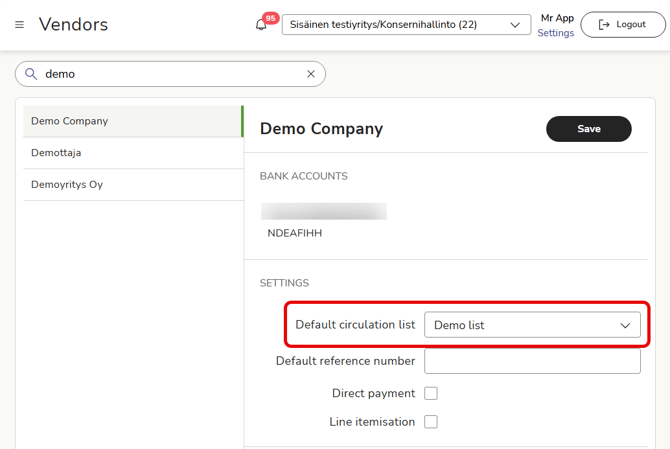
- If you want to create a completely new circulation list for a vendor, select Settings at the top of the Easor App.
- Select Services - Payments.
- Define the details of the new circulation list and save the list.
- You can now select the new circulation list for the vendor in the vendor register.