
In the Payments service's vendor register, you can view your company's vendors' basic information, such as their names and bank accounts, and edit vendor-specific settings.
If you are using the old Invoice Payment service, the vendor register found there will also be available for the time being. Vendor information and vendor-specific settings are automatically synchronized between the registers.
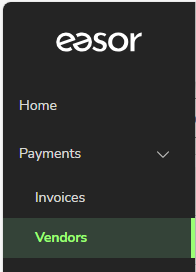
Select Payments – Vendors from the main menu. Vendors are visible if you have vendor access rights in the Easor App.
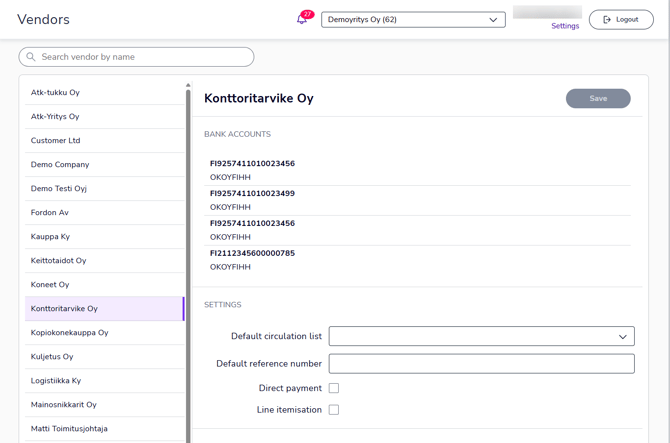
Vendors view shows a list of your company's vendors. At the top of the view is a search field where you can search by vendor name.
Select a vendor from the list to display the selected vendor's details on the right.
-
Bank accounts: The list shows all of the vendor's active bank accounts.
-
Default circulation list: Select the circulation list that will be used by default for the selected vendor's invoices. You can create new circulation lists on the Settings page (Settings - Services - Payments).
-
Default reference number: Specify the reference number that will be used by default for the selected vendor's invoices, so that you do not need to check or add the reference number separately when processing the invoice. For example, credit card invoices typically always have the same reference number.
-
Direct payment: If you have a direct debit agreement with the vendor and invoices are automatically debited from your account on the due date, select the Direct payment setting to prevent the vendor's invoices from being re-submitted for payment in automatic payment. After the invoice is approved, it is automatically marked as paid, and the payment date is the invoice due date.
-
Line itemisation: When the Line itemisation setting is selected, line item information is retrieved from the vendor's e-invoices for accounting purposes, if specified in the e-invoice data.