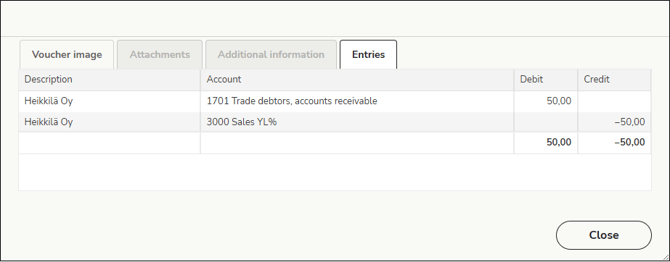
In the general ledger and journal view, you can view the image and details of an individual voucher.
1. Select Reports > General ledger and journal.
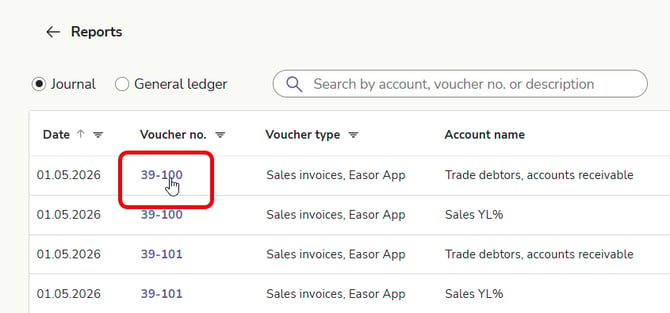
2. Click the voucher number of the voucher you want to view.
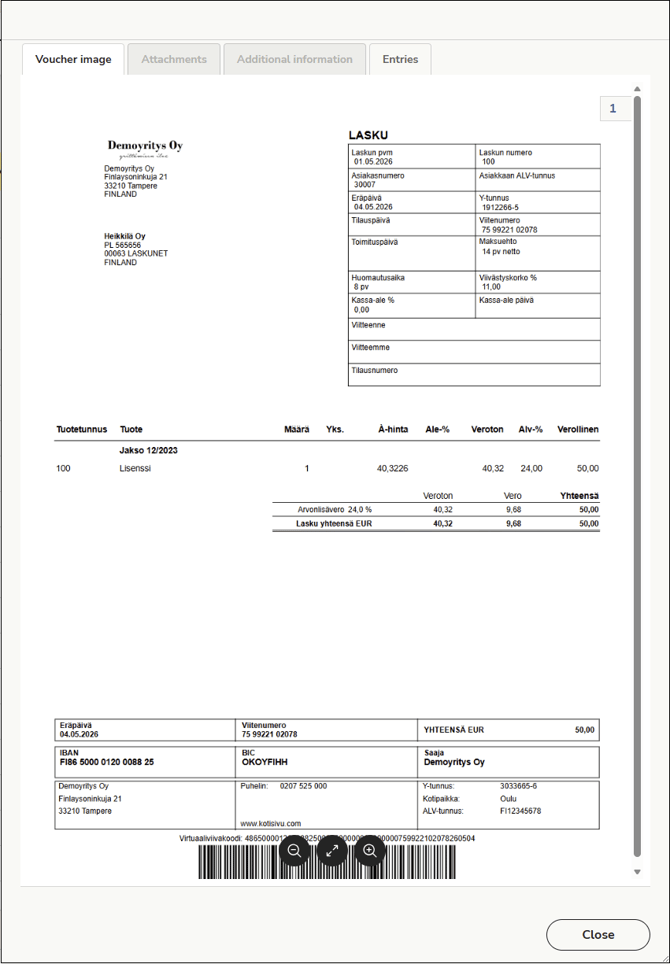
3. The voucher image opens in a new window. Use the buttons at the bottom to zoom in or out as needed.
4. Any attachments and additional information for the voucher can be found on their respective tabs. The same applies to entries.