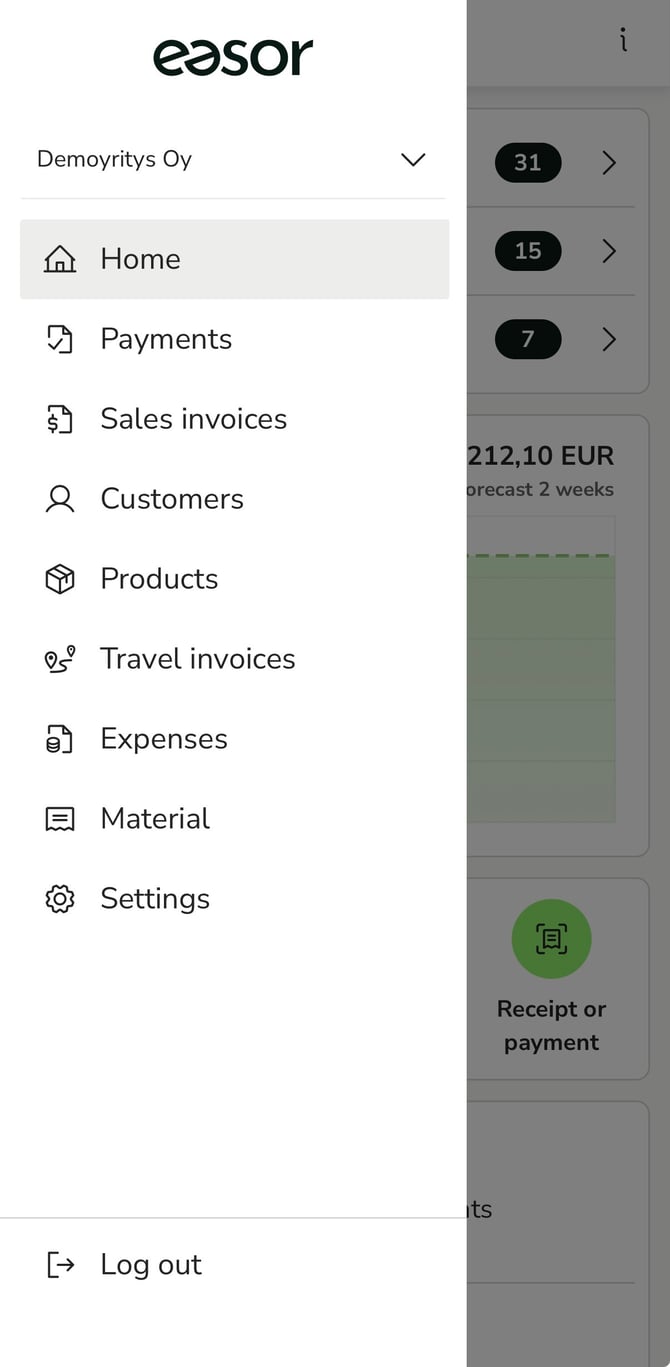
Please note that the contents of the main menu vary depending on the user's rights.
Payments
On the Payments page, you can add, pay, and manage purchase invoices.
Sales invoices
On the Sales invoices page, you can create, send, and manage sales invoices.
Customers
On the Customers page, you can manage the customer register for sales invoicing.
Products
On the Products page, you can manage the product register for sales invoicing.
Travel invoices
On the Travel invoices page, you can create, send, and manage travel invoices.
Expense invoices
On the Expense invoices page, you can create and manage expense invoices.
Material
On the Material page, you can create and manage accounting materials. Here you will also find your clearing account and electronic receipts.
Settings
On the Settings page, you can manage your personal information and application settings.