
On the Settings page, you will find settings related to company information, user management, sales invoices, and dimensions. The link to the settings can be found in the top bar of the Easor App, below your name. Only the sections that you have access to are displayed in the settings.
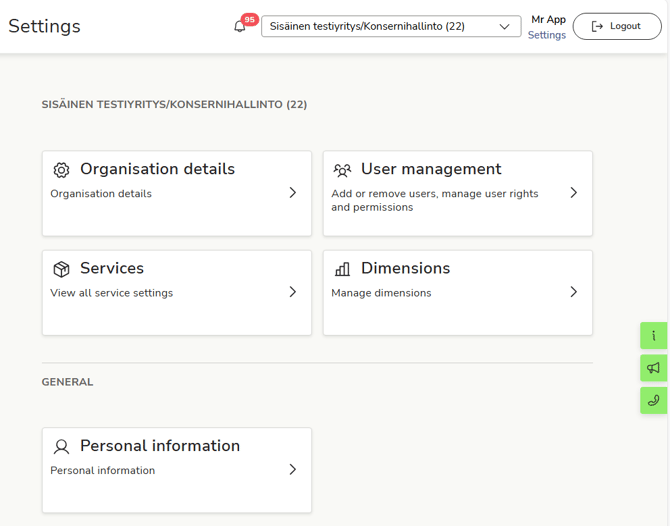
Company-specific settings are displayed above, under the company name, and your personal settings are displayed below, under the General heading.