
The Sales Invoicing service's product register is used to maintain product information for sending sales invoices.
-
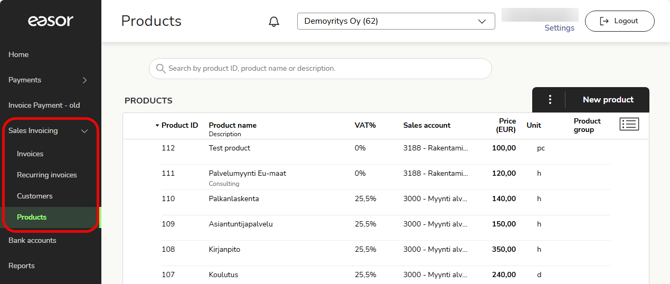
Open the product register by selecting Sales Invoicing - Products from the main menu on the left.
-
In the main view of the product register, you can browse and search for products and add new products to the product register.
-
Open a product by clicking on the product row.
-
To delete a product, select Delete from the three-dot menu on the left side of the row.
-
In the search field, you can search for products using various search criteria. The total information at the bottom of the page shows the number of products that match your search.