
Payments service settings allow you to select the default payment account and manage your company's invoice circulation lists.
-
Select Settings from the top bar of the Easor App, then select Services.
-
Select Payments in the Services main view.
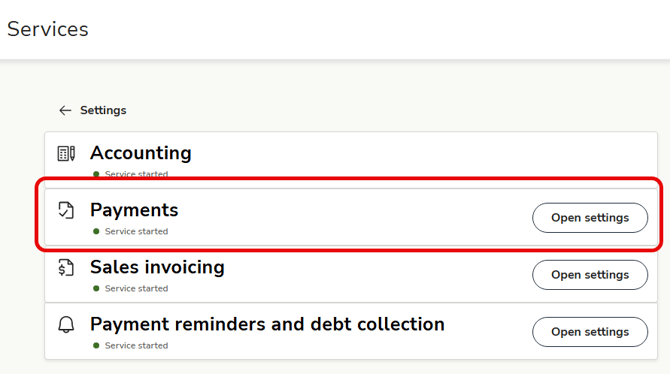
- On the General tab, you can select the default account from which invoices are paid, and on the Circulation list tab, you can manage circulation lists used when processing purchase invoices.
Select the default payment account
The option to select a default payment account is visible only to users with the required permissions.
- Go to the General tab in the Payments service settings.
- Select the account you want to set as the default payment account and confirm your selection.
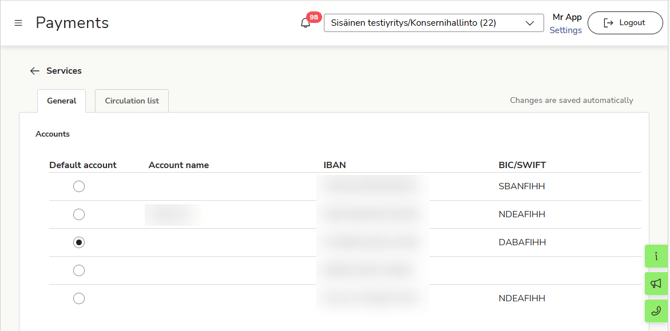
- The selected account will now be used by default when you pay purchase invoices in the Payments service.
Manage circulation lists
-
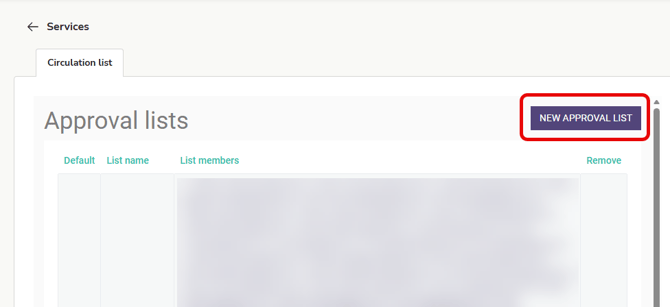
Select New circulation list if you want to create a new circulation list.
-
Enter a name for the circulation list.
-
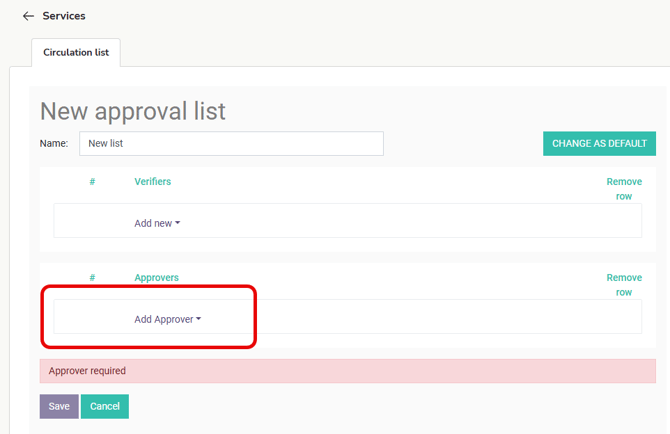
Select the necessary verifiers (optional) and approvers for the circulation list. The list must have at least one approver.
-
Select Add approver and select a person from the list.
-
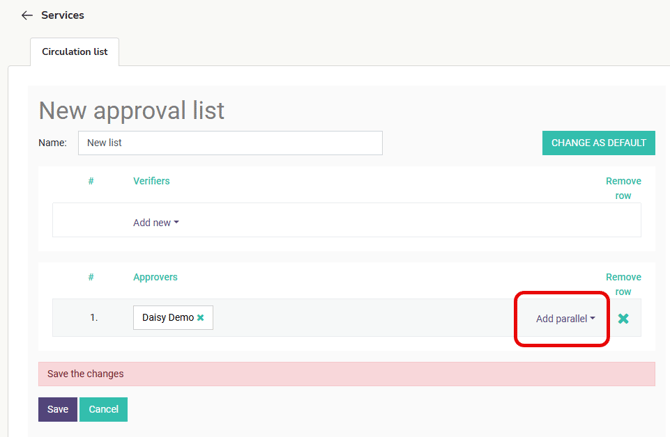
Once you have selected the first approver, you can add a parallel approver to the circulation list. Select Add parallel and select a person from the list.
-
Select any verifiers and parallel verifiers.
-
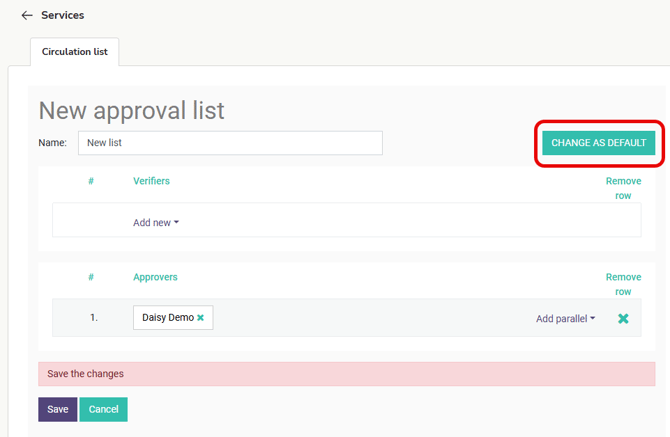
Select Change as default if you want to select this circulation list as the company's default circulation list.
-
Finally, select Save.
-
If you want to edit an existing circulation list, click on the circulation list you want to edit in the Circulation lists view.
-
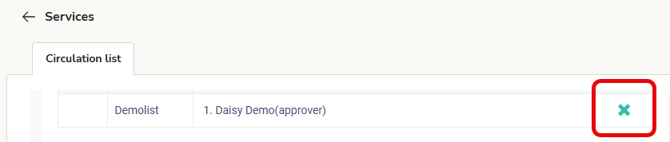
Delete a circulation list by clicking X next to the circulation list.
-
The check mark in front of the circulation list name indicates that this list is currently selected as the default circulation list.