You can print various reports on purchase invoices in the Payments service.
-
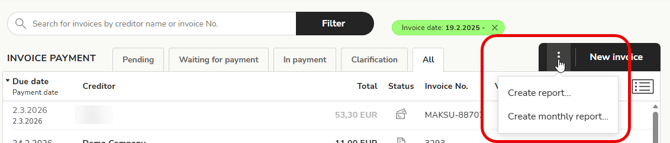
Select Create report or Create monthly report from the three-dot menu of the New invoice button.
-
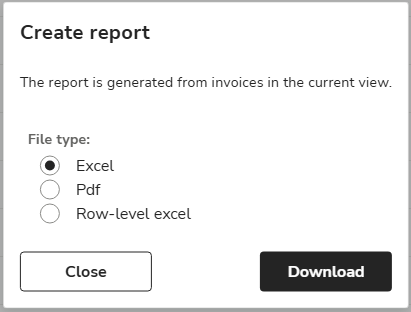
The report contains purchase invoices in the Payments view. Select the purchase invoices to be included in the report by using the search criteria and selecting a tab (pending, in payment, etc.). Select the file type for the report and click Download.
-
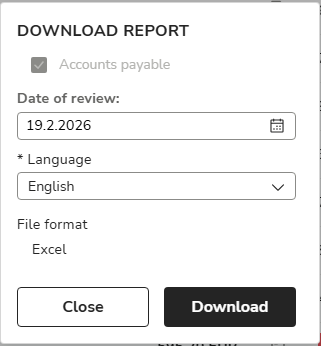
The Monthly report prints the purchase invoices that are unpaid on the review date. Specify the review date and language for the monthly report and select Download.