
If you cannot see the Industry Comparison and would like to use it, please contact Easor App support.
1. Select Reports from the main menu.
2. Select Industry Comparison.
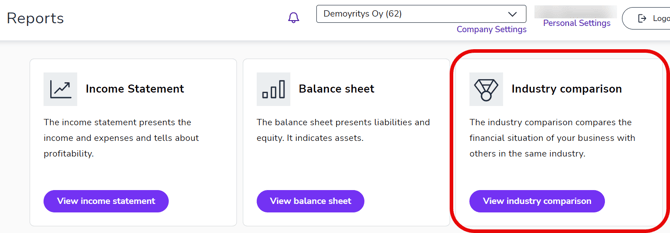
3. In Industry Comparison, you can compare the development of your own business with the corresponding situation in the industry using the following variables: turnover, sales margin, operating margin, and profit.
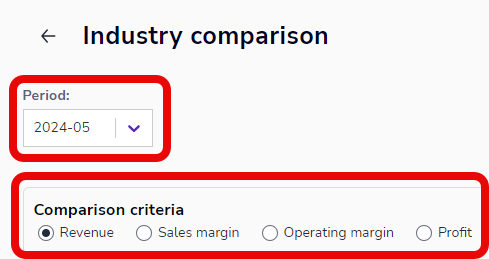
4. Select the time period you want to view from the Period menu and the criteria you want to use for comparison.
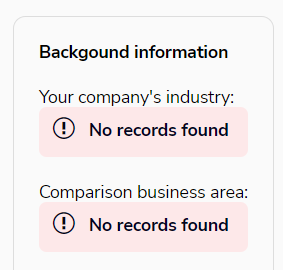
5. The comparison group is formed according to the TOL2008 industry classification, and the comparison is made at as precise an industry level as possible. If there are not enough comparable companies, a more general classification is used. You can see the classification in the background information at the bottom right of the page.
6. The key figures are calculated by taking the median of the figures for the comparison group. The comparison group consists of Easor's customers operating in the industry. A new period is displayed on the 15th of each month, so that, for example, on March 15, 2024, the January 2024 period will be displayed. Your company's situation is shown in orange and the industry's in purple.
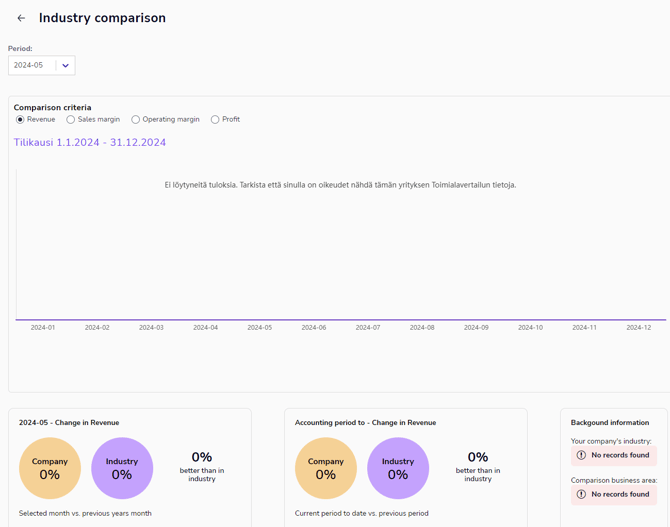
7. If the report says "The company does not have enough periods in the system, so only the industry data is shown," the data for the financial period preceding the review period is missing and it is not possible to calculate the change in turnover. Gross margin, EBITDA, and profit are calculated for the same financial period.