
The recurring invoicing feature also allows you to send individual invoices to a large group of recipients, i.e., mass invoicing.
1. Select New recurring invoice to open a blank recurring invoice template.
2. First, specify the basic information for the invoice template, such as the name of the invoice template and the start date.
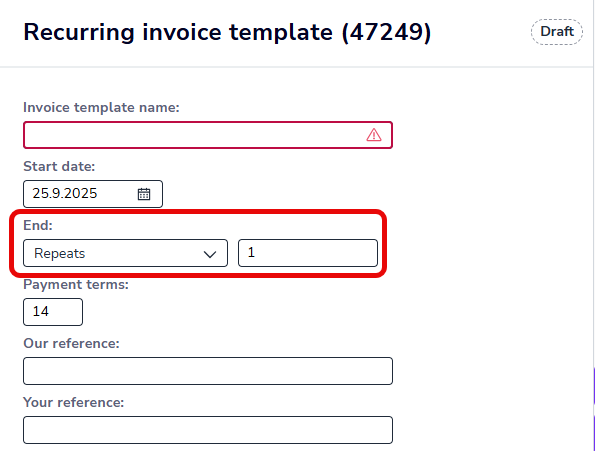
3. In the End field, select Invoicing times and enter 1 as the number.
4. Define the recurrence settings and delivery method for the invoice.
5. Select the customers for whom the invoice will be created.
6. Add product rows.
7. Select Activate.
8. Invoices are created for recipients and sent either automatically or manually, depending on the delivery method.
9. Once the invoices have been sent, the invoice template status changes to ended.