
The report is created from the sales invoices listed in the Invoices view when creating the report.
-
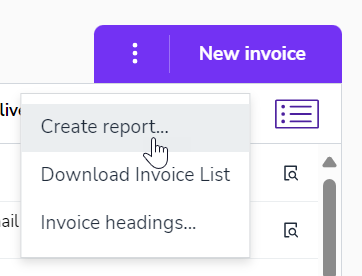
In the Sales Invoicing - Invoices view, select Create Report from the three-dot menu.
-
Define the report settings.
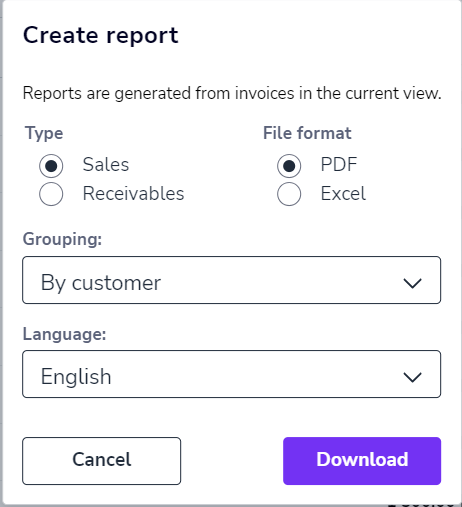
- Select the report type and file format.
- Define whether the report should be grouped, for example, by customer or by project.
- Select the language of the report.
- Finally, select Download. The report will be downloaded to your computer.