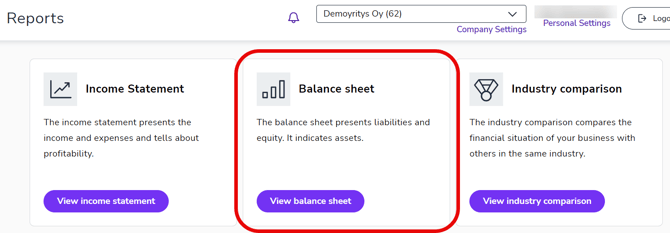
1. Select Reports from the main menu.
2. Select Balance sheet.
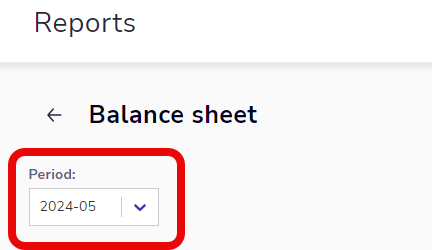
3. The balance sheet is presented using the opening balance, closing balance, and the change between them for the financial period. Select the time period to be viewed from the Period menu. If the report says In Progress, the accounting is not yet complete and the figures may change.
Viewing voucher information
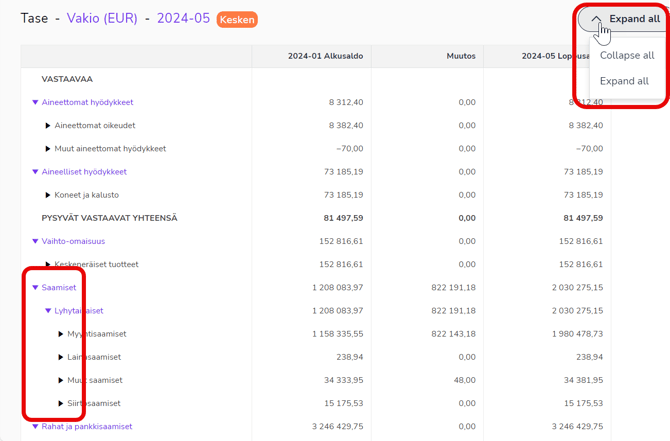
Select Expand all in the menu to open and close all item rows. You can drill down to the voucher level in the balance sheet by clicking the arrow in front of the items. Unlike the income statement, the balance sheet shows transactions from the beginning of the financial year to the period you have selected, not just for the month you have selected.
Open the details of an individual voucher by clicking the voucher number.
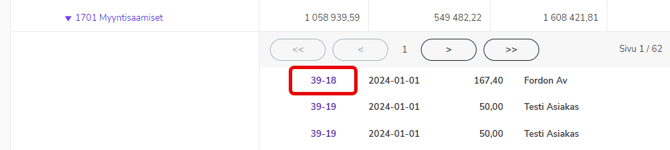
In addition to the voucher image, you can view the voucher postings.
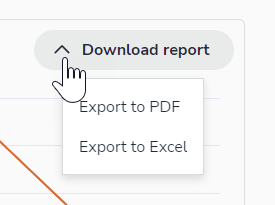
Download report
The report view can be saved in PDF or Excel format. Open the desired item rows and finally select Download report. The report will print the rows that you have open in the balance sheet view.