
There are two versions of the Payments service in use. The new Payments service has features that are not available in the basic version, so some of the instructions also differ. Please check which version you are using before following the instructions.
How to identify the new Payments service
Below, we explain how to identify whether you are using the new Payments service or the basic version of the Payments service. Please note, however, that the new features are only visible to users who have the Bank account setting selected in their user rights.
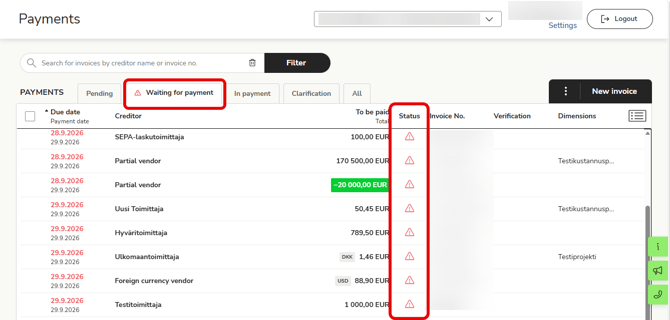
- On the Waiting for payment tab, a red triangle is displayed next to failed payments. If there are any failed payments on the list, a triangle is also displayed in the tab header.
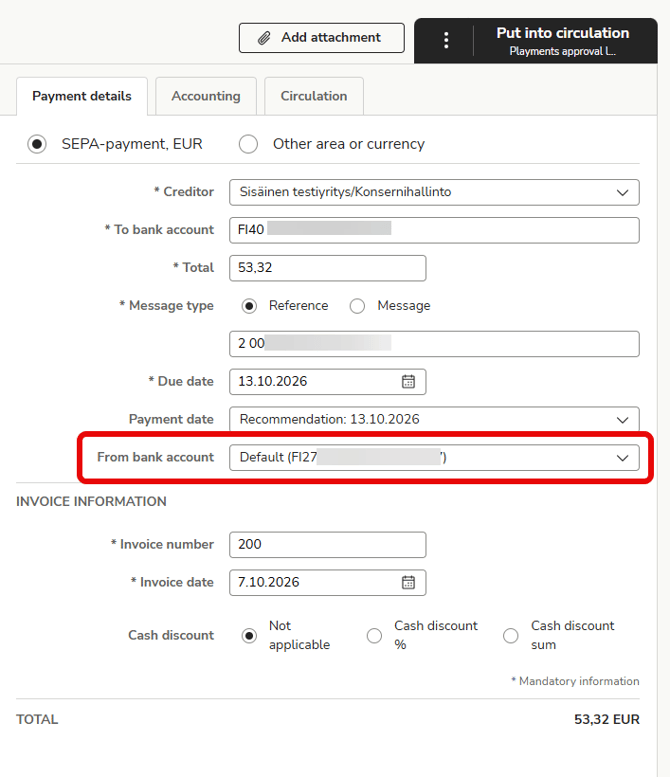
- On the Payment details tab, there is a From bank account field where you can select the account from which the invoice will be paid.
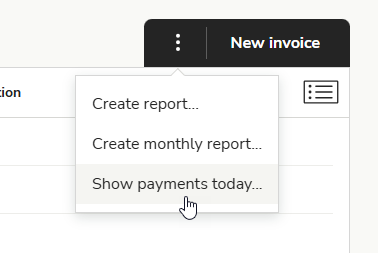
- In the three-dot menu, you’ll find the Show payments today view.
If you cannot see these features, you are using the basic version of the Payments service or you do not have the required user rights. You can find instructions for this in the Payments section.
How do I get access to the new Payments service?
We are migrating customers to the new Payments service in stages. We will let you know in advance when the migration applies to your business. If you have any questions about the migration, please contact our customer service team.