
The Easor App mobile application's home page provides a quick overview of key business metrics and quick links to the most important functions. In addition, you will find the contact details of accounting experts at the bottom of the page. The content of the home page depends on the user's rights.
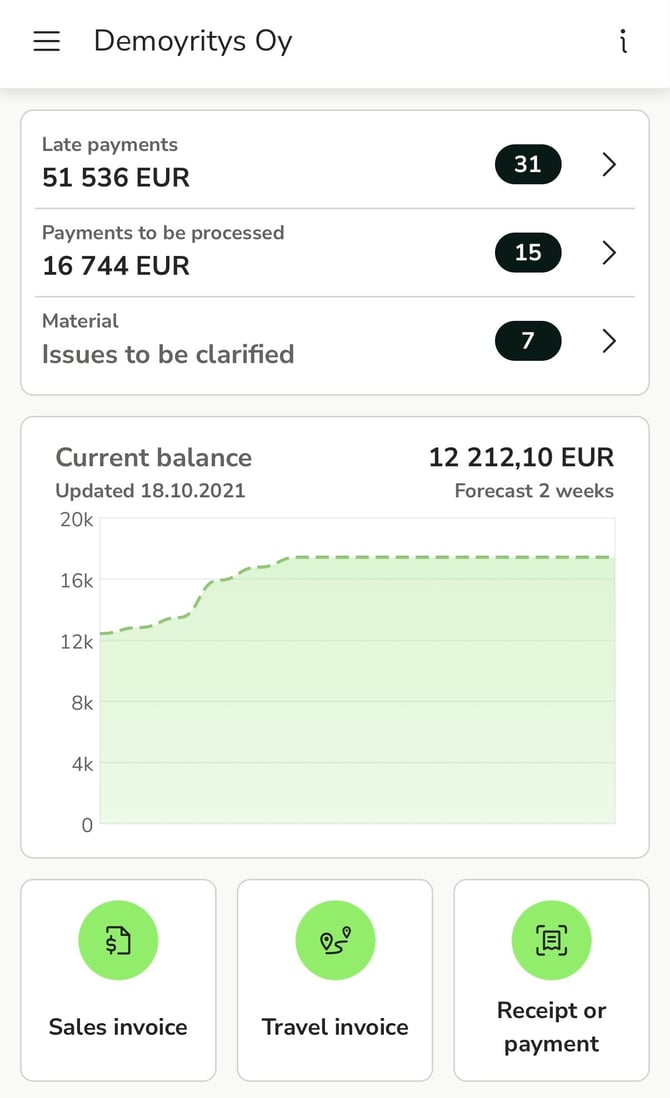
The selected company is displayed at the top of the front page. The main menu in the upper left corner contains the services available to the user based on their rights. You can change the selected company by tapping on the company name. If you have rights to more than five companies, you can search for a company by entering the company name or part of the name in the search field.
At the bottom of the front page, you will find the customer's contact persons and support teams, as well as their contact details. From the application, you can either call or send an email to the contact person/support team by clicking on them.