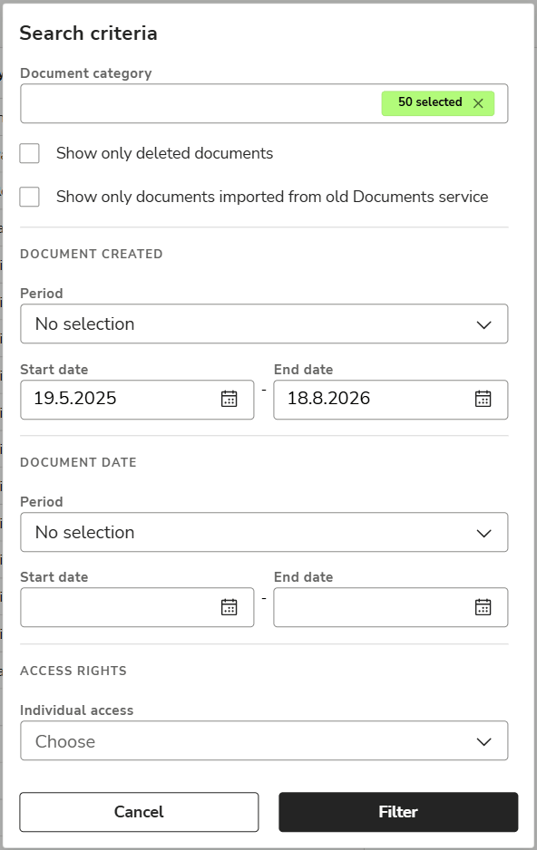
The Archive view displays documents archived within the last 30 days by default.
If you want to view older documents, remove the Document creation date filter by clicking the check mark on the right side of it. The program will then list all documents uploaded to the archive.
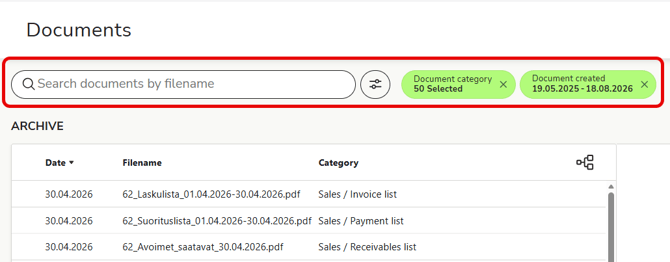
- Enter the name or date of the document you are looking for in the search field.
- The program will list the documents that match your search below.
- You can refine your search by clicking the Search criteria button. Specify more detailed search criteria, such as the time period when the document was created or the category. Finally, select Filter.