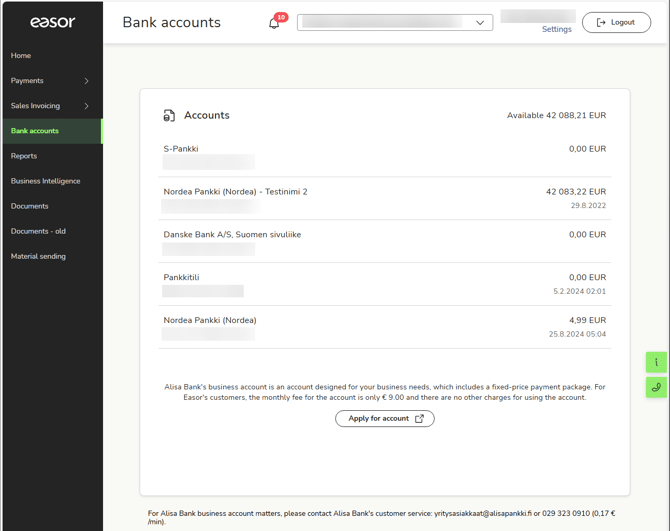
The Bank accounts service in the Easor App allows you to view all your company's bank accounts and account transactions.
In the main view of the Bank accounts service, you can see all your company's accounts, the balance of each account, and the total balance of all accounts.
View account transactions
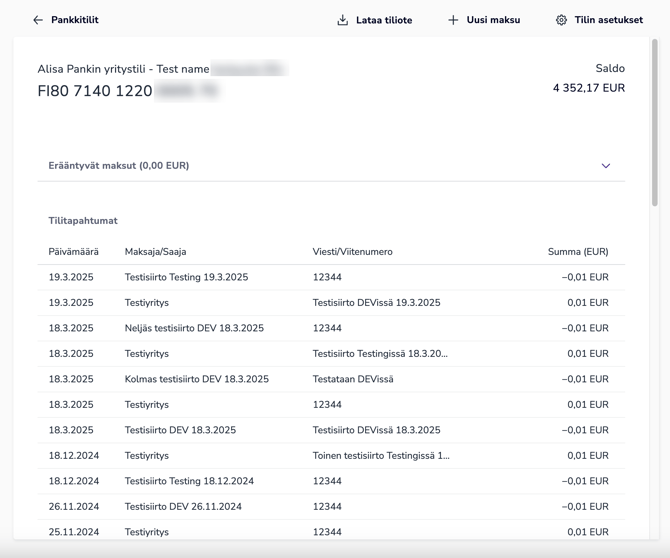
In the Accounts view, select the account whose transactions you want to view.
The account transactions are displayed as a list.
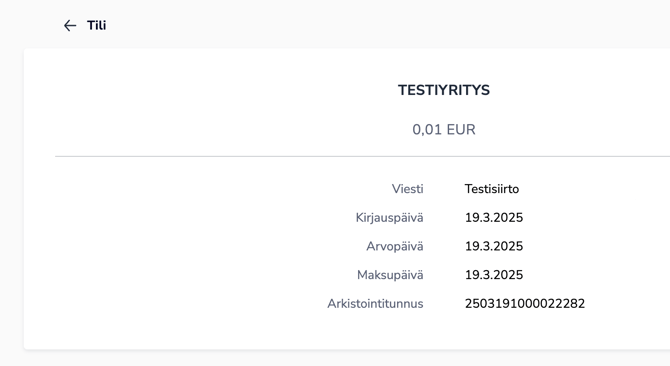
Select an individual transaction to see more detailed information about it, such as the date of entry and payment.
Select Download account statement at the top of the transaction list.
For the time being, account statements are only available for Alisa Bank accounts.
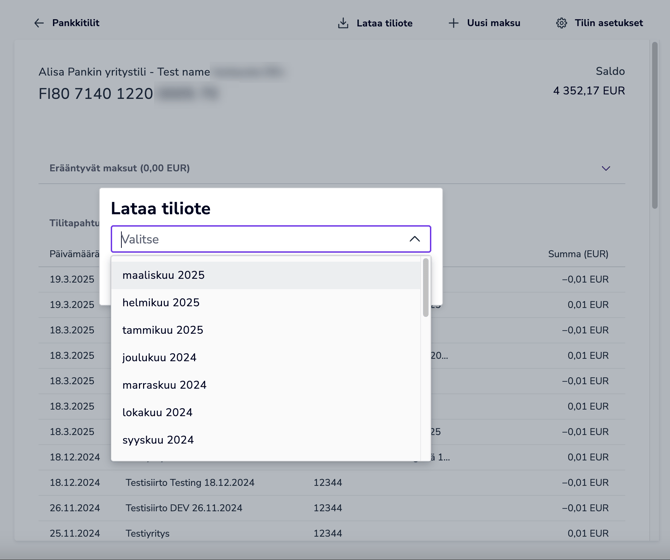
Select the month for which you want to download the account statement, and it will be downloaded to your computer as a PDF file.
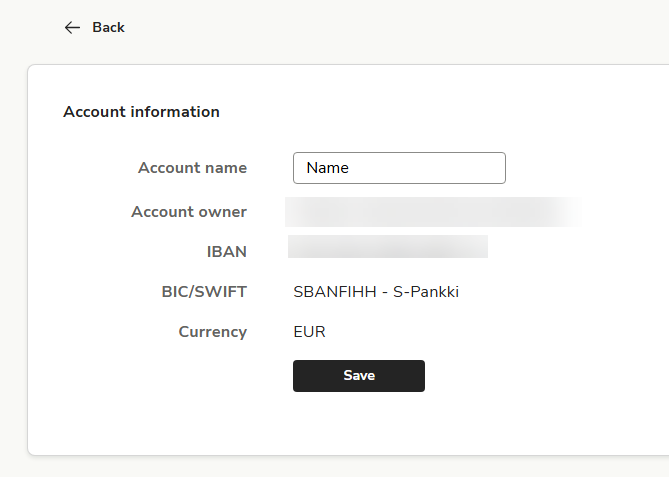
Account information
1. On the Bank accounts front page, select the account whose details you want to view or whose name you want to change.
2. Select Account information at the top of the screen.
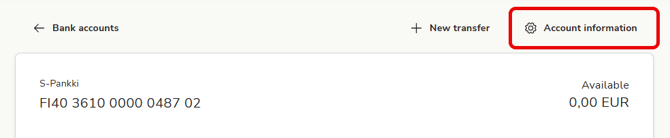
3. If necessary, you can change the name of the account in the Account name field.