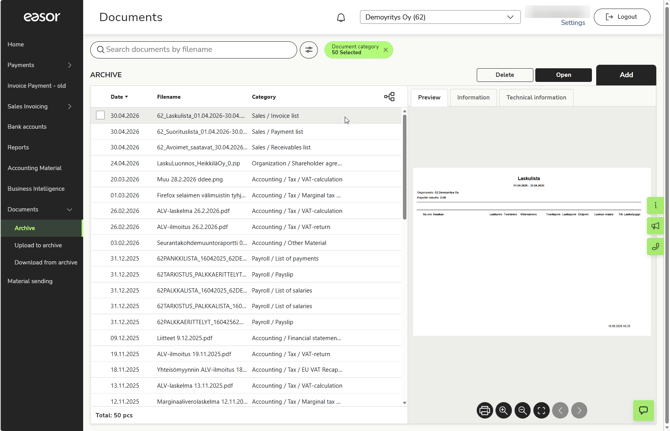
The Archive view of the Documents service shows a list of documents stored in the service. By default, all reports and administrative documents archived within the last 30 days are displayed. Each document is displayed on its own line. The date, file name, and category under which the document is archived are displayed.
You can only see documents that you have viewing rights to. Accounting firm users (e.g., accountants and payroll clerks) and auditors can see all documents by default.
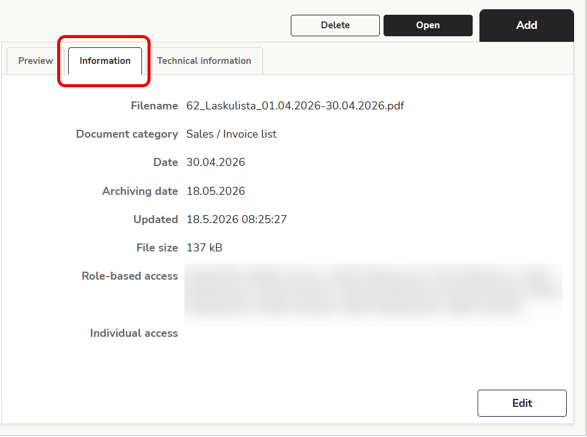
You can preview a document by clicking on the row. The Information tab shows more detailed information about the document, such as the modification date, file size, and viewing rights. Select Edit to edit the information (this function is only visible to accounting firm users).
Open opens the document in a new tab, where you can save or print the document if necessary.
List view and folder view
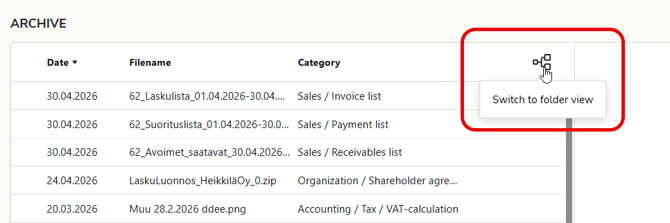
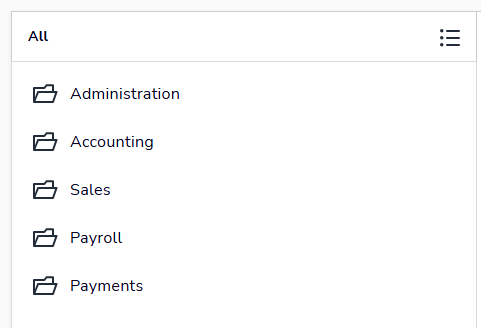
The archive is displayed in list view by default, but you can also browse the archive in folder view, i.e., by category. To change the view, select Switch to folder view.
Search criteria are not available in folder view.
In folder view, you can drill down into subfolders and the documents they contain. You can preview and open documents in the same way as in list view.
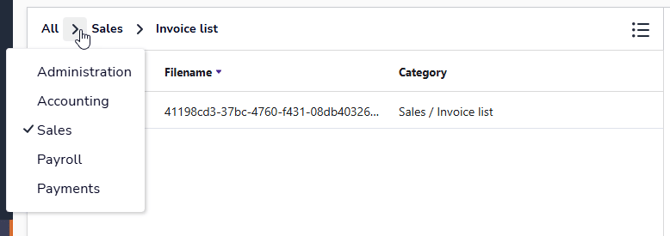
At the top of the view, you will see a navigation path that allows you to move up in the folder structure.