Example, employee (TyEL)
A sales representative starts as an employee. Select Monthly paid employee as the employee type. Simple Salaries automatically suggests TyEL as the applicable pension insurance. Add the start date of the employment relationship and Sales as the occupational category.
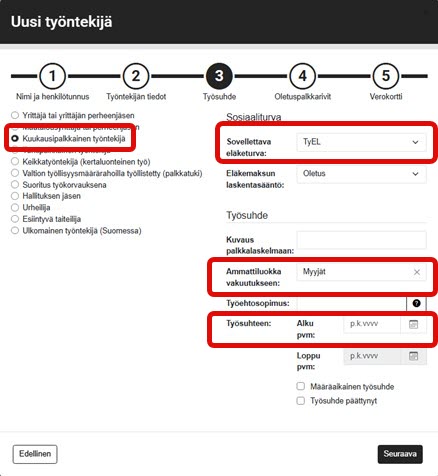
The accident insurance company will bill the company based on the selected occupational category, as the amount of the insurance premium is determined by the accident risk associated with the job. For this reason, it is important to choose the occupational category carefully and correctly. If necessary, you can use the Classification Expert tool provided by Statistics Finland.
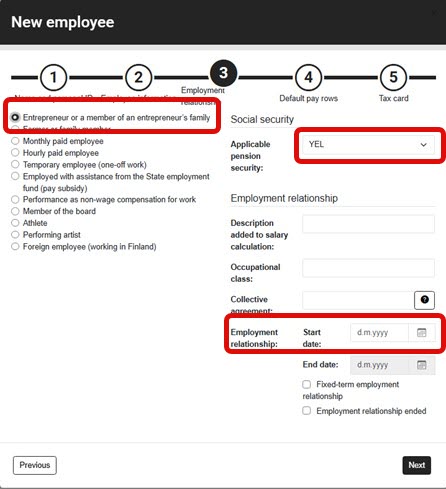
Example: entrepreneur (YEL)
For entrepreneurs, select Entrepreneur or entrepreneur's family member as the income earner type, in which case Simple Salaries will automatically suggest YEL as the applicable pension insurance. In the case of a part-owner, the applicable pension insurance is changed to TyEL, part-owner. No occupational category is selected for a YEL entrepreneur, as YEL entrepreneurs are not required to have accident insurance.