
There have been changes in the Easor App login process, which are briefly explained below.
The login address has changed
The login address for the Easor App browser version has changed. Going forward, you’ll log in to the app at app.easor.fi.
Please note that due to this change, the browser’s auto-fill feature will not work; instead, you must enter your Easor App username and password in the login screen. After this, the browser will save your information for your next login.
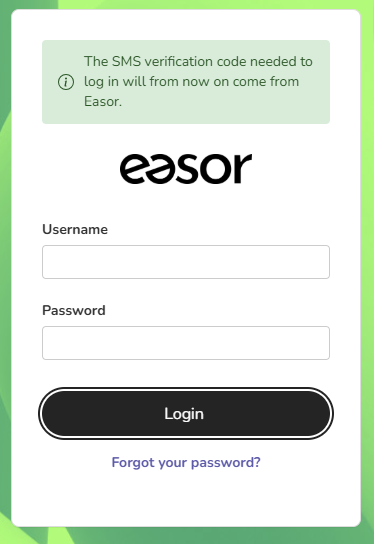
If you do not remember your password, click the Forgot your password? link at the bottom of the screen to reset it.
The sender of the SMS verification code has changed
The SMS verification code required to log in to the Easor App will now come from Easor. Previously, the sender of the SMS message was listed as Talenom. This change does not require any action on your part, and the login process works exactly as before.
If you are not receiving SMS messages, check the spam filter in your text messaging app.